Newsletter
Join the Community
Subscribe to our newsletter for the latest news and updates

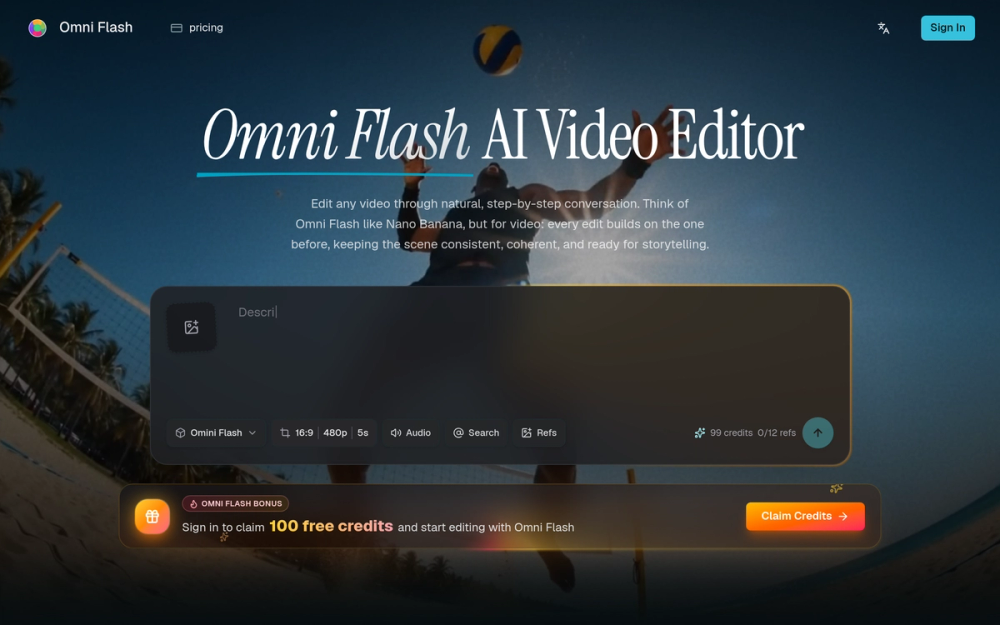
Omni Flash is a free AI video editor that allows users to edit videos through natural conversation, enabling seamless character swaps and coherent scene transitions.
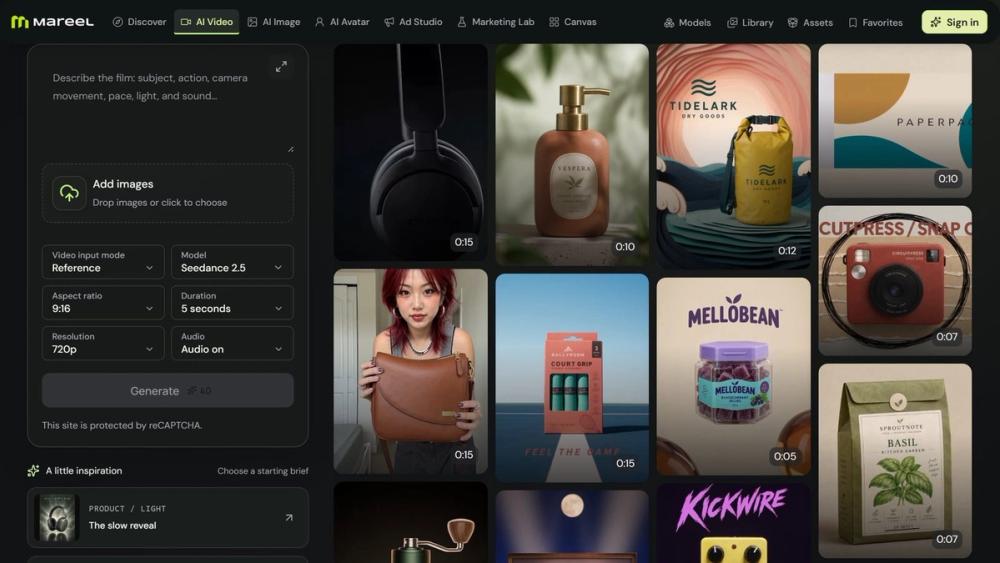
Mareel is an all-in-one AI video and image platform that brings 40+ leading AI models into one workspace. Turn text or images into videos, create and edit images, and produce ad creatives, product photos, and talking avatars without switching tools. Compare models on the same idea, pay from one credit balance, and keep every result in one library. Built for marketers, ecommerce teams, creators, and agencies.
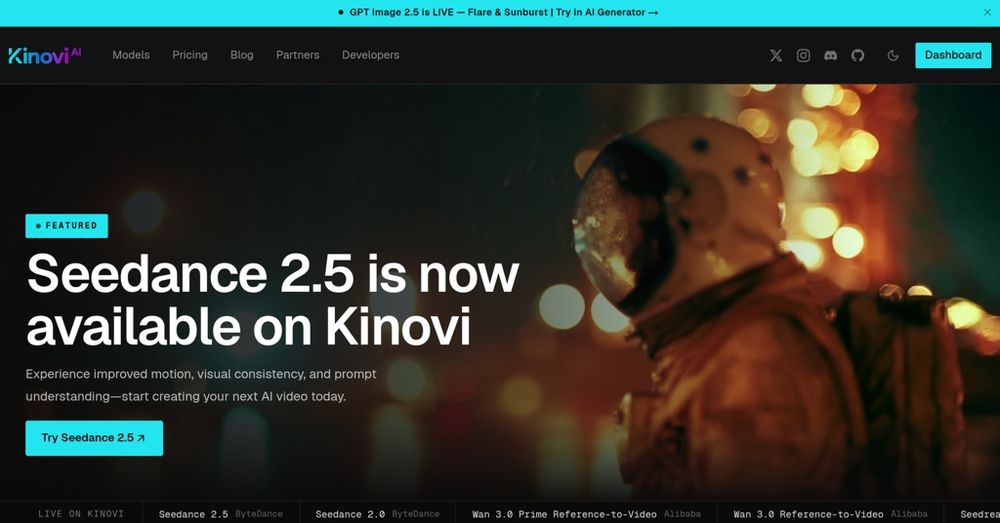
Kinovi offers a unified API for video, image, and audio models, enabling users to create and edit media with pay-as-you-go pricing and clear documentation.
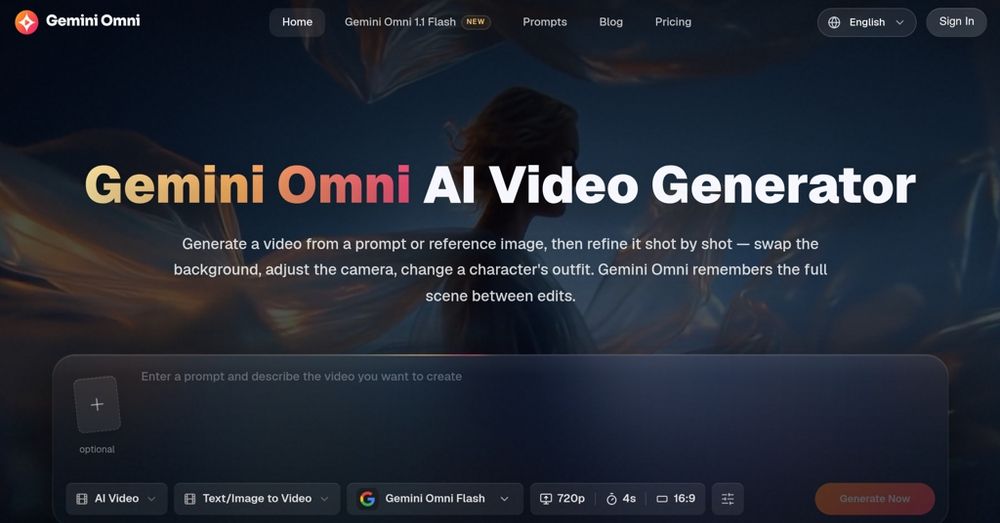
Create and edit AI videos online with Gemini Omni for free, featuring consistent characters and synchronized audio for seamless editing.
Omni Flash is an AI video editor that allows users to edit videos using natural language and reference images. It focuses on maintaining consistency across multiple edits, making it suitable for complex video projects.
Q: What is Omni Flash? A: Omni Flash is an AI video editor for natural, step-by-step conversation. You describe edits in plain language, add references when needed, and refine the video across multiple turns.
Q: How is Omni Flash different from ordinary video generators? A: Omni Flash focuses on controllable editing rather than one-shot output. Each edit builds on the previous one, helping maintain character, object, motion, and scene consistency.
Q: Can Omni Flash use reference images, videos, audio, or sketches? A: Yes. You can reference images, text, video, audio, motion, style, or sketches and combine them into one cohesive video output.
Q: Can I swap characters or objects in a real video? A: Yes. Omni Flash can replace characters and objects through natural language, and reference images can guide the new look while preserving motion and dialogue continuity.
Q: Does Omni Flash understand real-world physics and context? A: Omni Flash is designed to ground edits in real-world logic, including gravity, kinetic energy, fluid dynamics, history, science, math, cultural context, and narrative structure.
Q: Is Omni Flash free to try? A: You can start editing for free with daily credits. Paid plans unlock higher volume and expanded creative workflows for larger video projects.