Newsletter
Join the Community
Subscribe to our newsletter for the latest news and updates

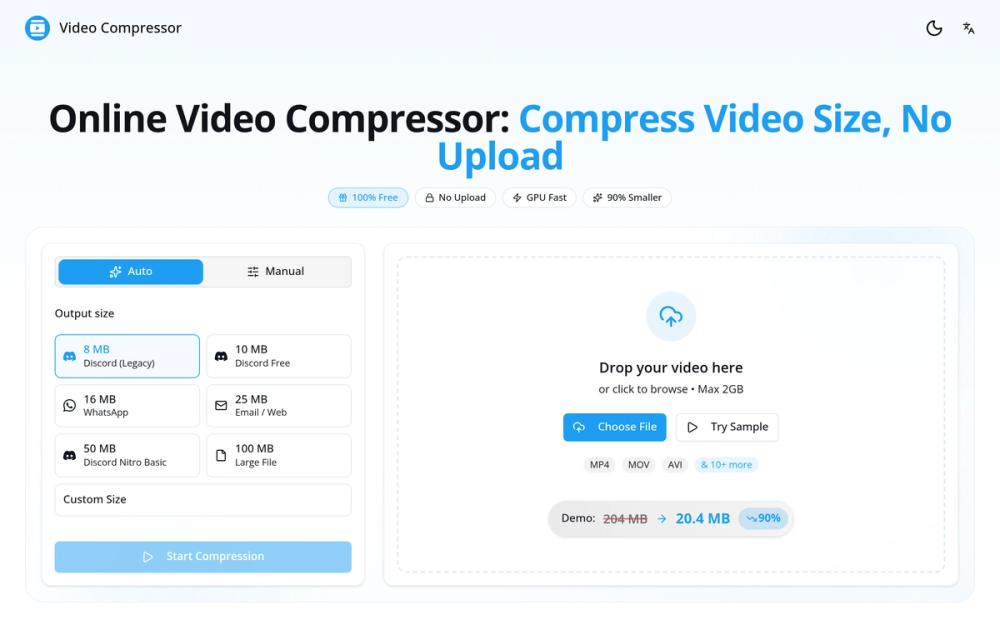
Compress video files online with our free video compressor, reducing size by up to 90% without uploads, ensuring 100% privacy and instant compatibility with platforms like Discord and WhatsApp.
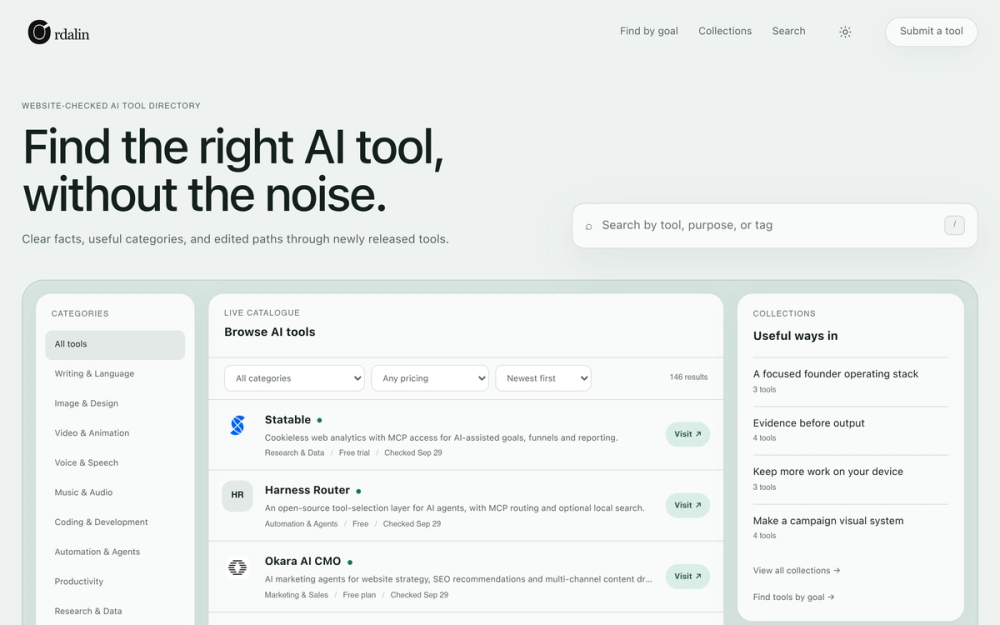
A website-checked AI tools directory that helps you browse broadly or find three tools that fit a specific goal.
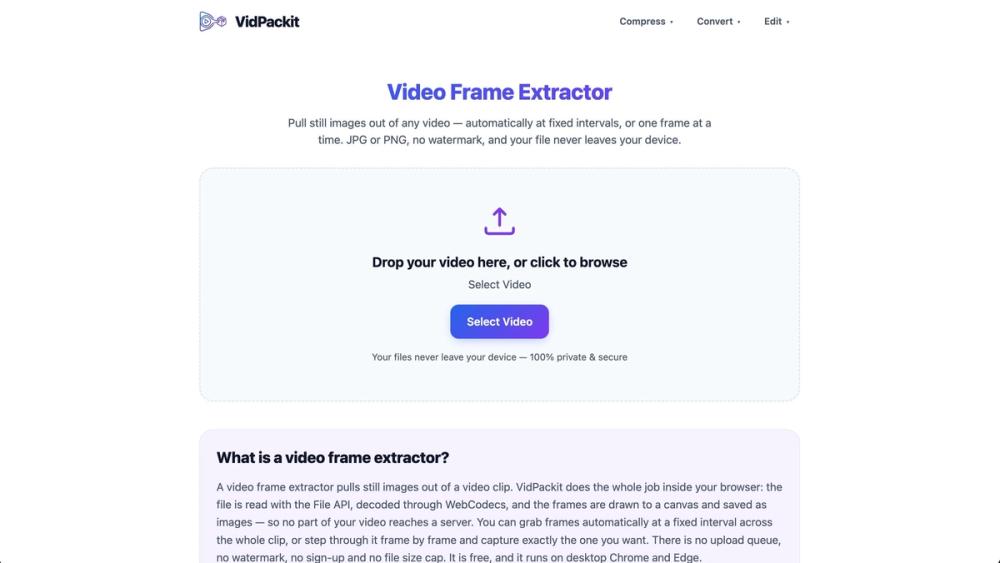
VidPackit is a free, 100% client-side online video compressor and converter. Shrink MP4, WebM, MOV, and MKV files directly in your browser without uploading them to any server, keeping your data completely private and secure.
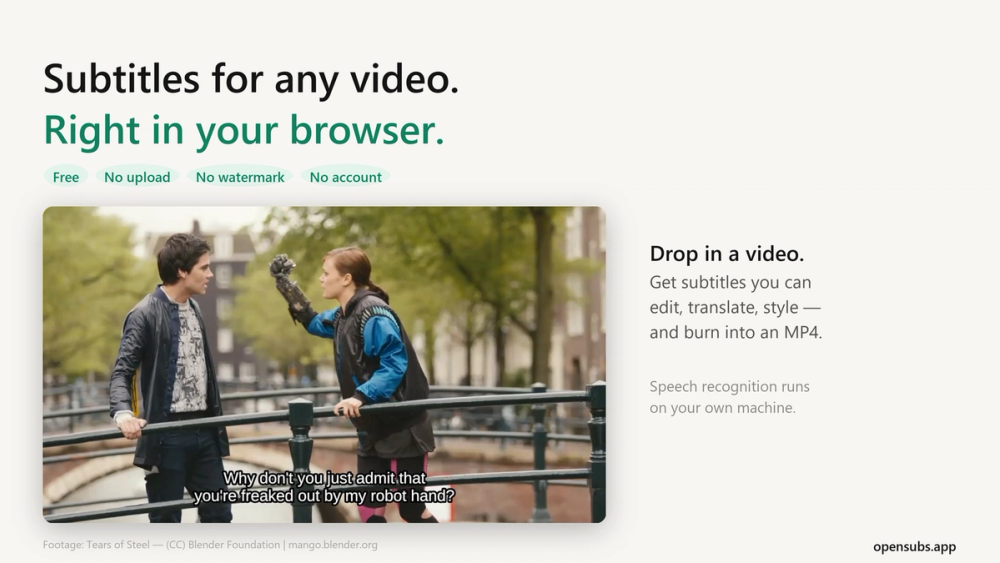
Generate, translate, style and burn subtitles into video, right in your browser. The video never leaves your machine. Free, no account, open source.
Video Compressor is a free online tool that allows you to compress video files directly in your browser. It offers a fast and private way to reduce video file sizes without uploading them to any servers. This ensures your data remains secure and confidential.
How to compress video online? Upload your video, choose your desired output size or quality settings, click "Start Compression", and download your compressed video. The entire process happens in your browser - no upload to servers required.
How to compress video file size without losing quality? Use our "Auto" mode which intelligently adjusts bitrate while preserving visual quality. For manual control, keep resolution at 1080p or original, use H.264 codec, and aim for a bitrate of 5-8 Mbps for high quality or 2-4 Mbps for good quality.
How to reduce video size on iPhone? Open our website in Safari on your iPhone, tap "Choose File" and select your video from Photos, select a preset like "25MB Email" or "16MB WhatsApp", tap "Start Compression", and save the compressed video to your Photos app.
Is there a file size limit? No, there is no file size limit. You can compress videos of any size - 100MB, 1GB, 10GB or larger. Since all processing happens locally in your browser using your device's hardware, the only limit is your device's available memory.
Is it safe to compress videos online? Is my video private? Yes, 100% safe and private. Unlike most online video compressors that upload your files to remote servers, our tool processes videos entirely in your browser. Your video never leaves your device - we cannot see, access, or store your files because nothing is ever uploaded to our servers. This is the most private way to compress videos online.
What video formats are supported? We support all major video formats including MP4, WebM, MOV, MKV, AVI, WMV, FLV, and more. The output is always optimized MP4 with H.264 codec for maximum compatibility.