Newsletter
Join the Community
Subscribe to our newsletter for the latest news and updates

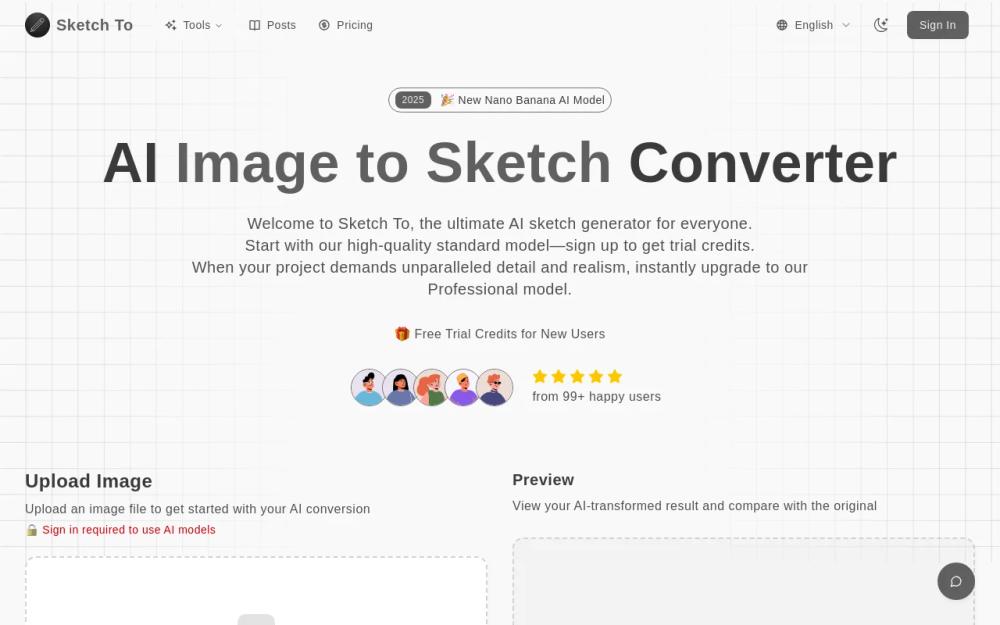
Sketch To is an AI-powered tool that converts images to sketches and sketches to images, offering both free and professional models for various creative needs.
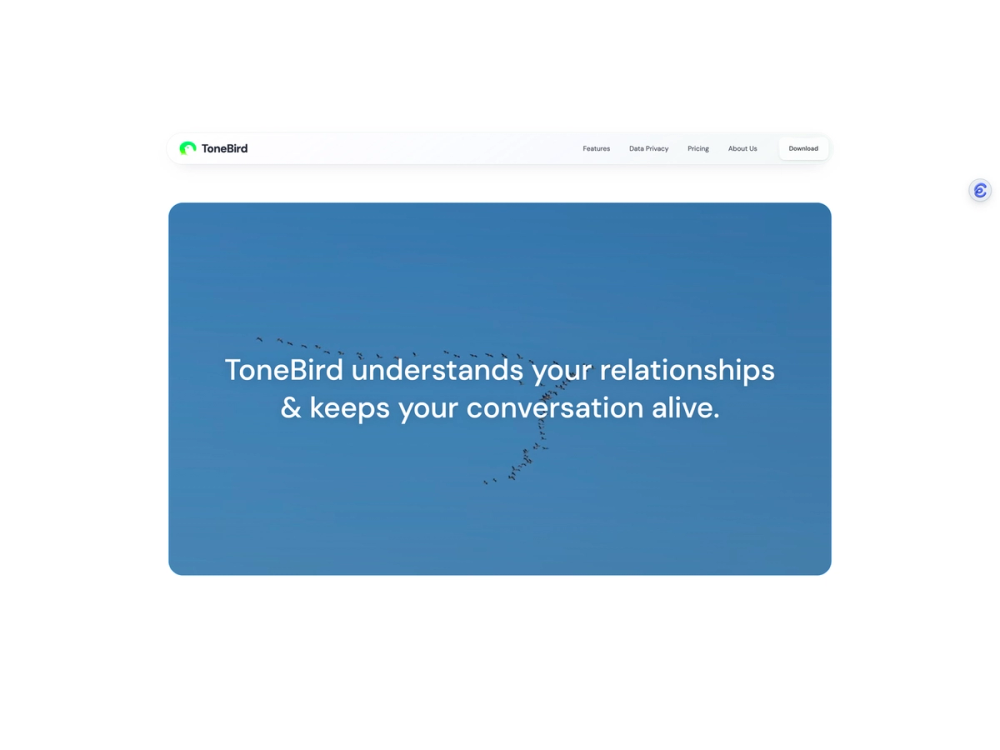
ToneBird is an AI reply assistant that understands your relationships, what you’ve already said, and where you left off. It drafts replies in your voice wherever you type; Gmail, Slack, and more.
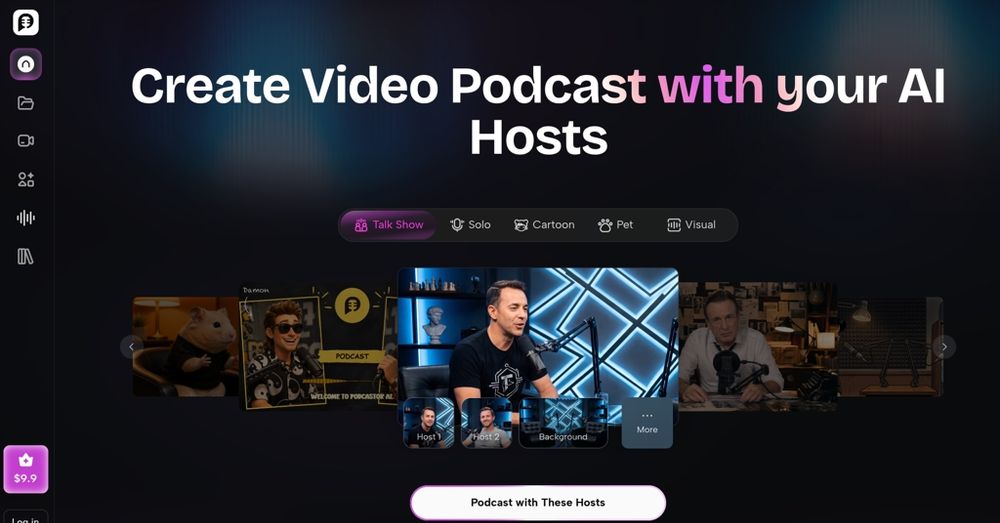
PodcastorAI is an AI video podcast studio that lets you choose or create AI hosts, add content from ideas, scripts, URLs, PDFs, documents, or existing audio, match them with natural AI voices or your cloned voice, and create polished solo or two-host audio and video podcasts without cameras or a production team. What is PodcastorAI
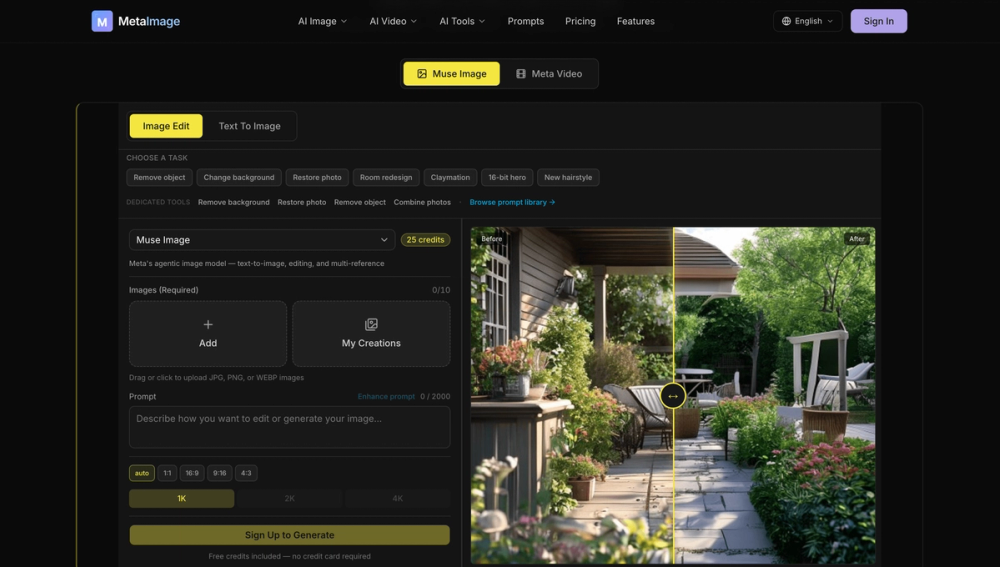
Meta Image is an online platform that allows users to edit and generate images using AI, offering a range of features for photo editing and creative composition.
Sketch To is a versatile AI-driven platform designed to transform images into sketches and vice versa. It caters to a broad audience, from hobbyists to professional artists, by providing both free and professional-grade models. The tool leverages advanced AI technology to deliver high-quality conversions quickly and efficiently.
What's the difference between the Standard and Professional models? Our Standard model is perfect for general use, offering high-quality conversions for hobbies and drafts. New users receive trial credits to get started. The Professional model uses a more advanced AI, providing superior detail, texture, and realism, ideal for commercial projects and artists who need the absolute best quality.
How much does Sketch To cost? Our Standard model uses 1 credit per conversion, and new users receive trial credits to get started. For the Professional model, we use a flexible credit system. You can purchase credits as you go, so you only pay for the high-power conversions you need. No subscriptions required.
What are the best practices for how to convert photo to sketch? For both models, using a clear, well-lit, high-resolution photo will produce the best results. Photos with strong contrast and clear subjects tend to create the most detailed sketches.
What file formats are supported? Sketch To supports all major image formats including JPG, PNG, WEBP, and more. You can upload images up to 10MB in size for processing.
Can I use Sketch To for commercial purposes? Yes! Our Professional model is specifically designed for commercial use with advanced AI technology that delivers industry-leading results perfect for client work and business projects.
How long does it take to process an image? Most conversions are completed within seconds. The exact time depends on the image size and complexity, but our cloud infrastructure ensures fast processing for all users.