Newsletter
Join the Community
Subscribe to our newsletter for the latest news and updates

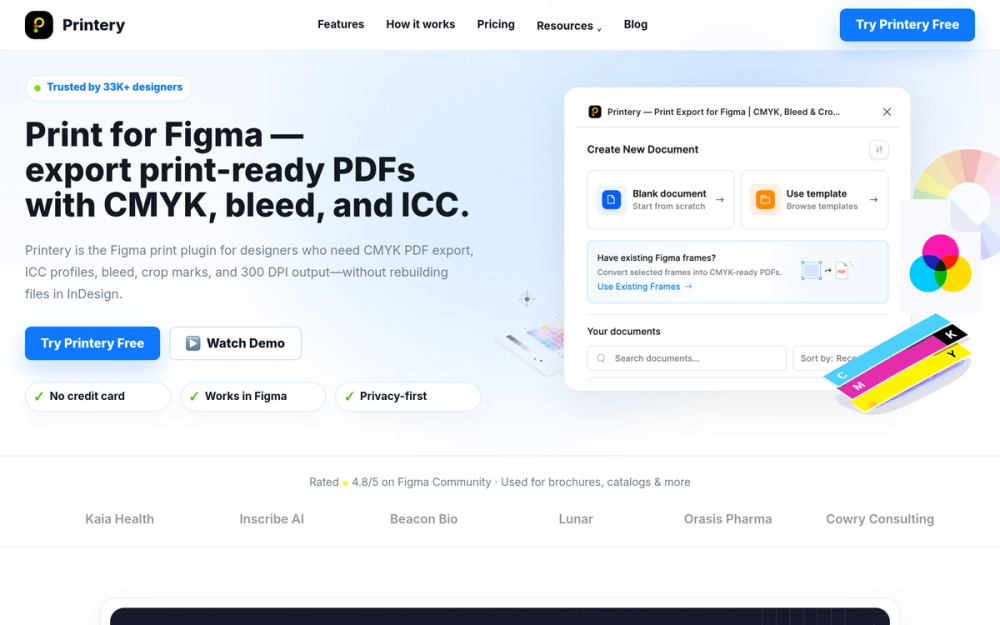
Printery is a Figma print plugin that exports print-ready PDFs with CMYK conversion, ICC profiles, bleed, crop marks, DPI control, and multi-page output.
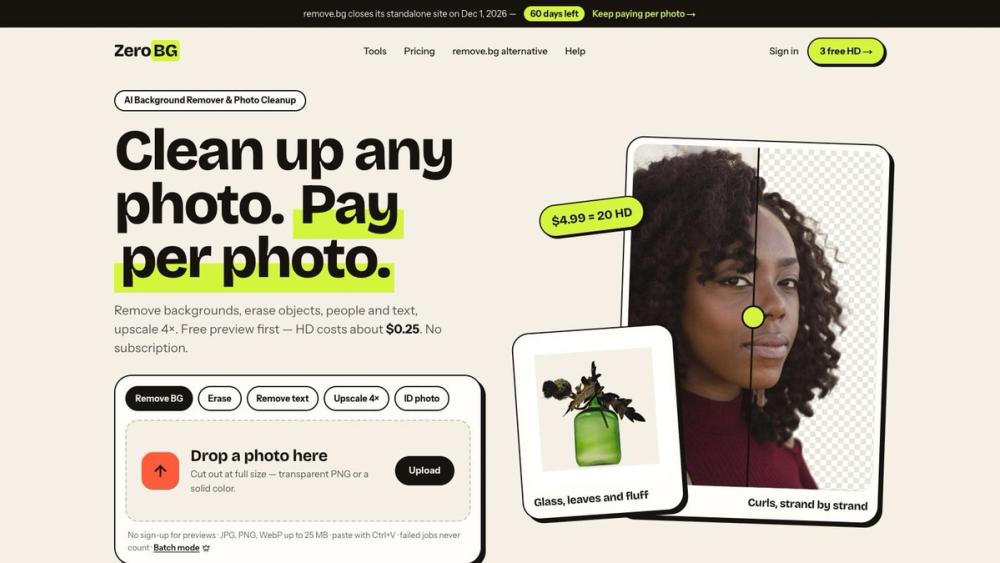
ZeroBG.ai removes image backgrounds and erases unwanted objects, people and text with AI. Free watermarked preview, no sign-up; HD from $0.25 per image.

Create and edit images with Image 2.5, a GPT Image 2.5 AI image generator and editor for text-to-image creation, precise edits, reference-based workflows, consistent details, custom sizes up to 4K, and flexible image exports.
Create and edit high-quality AI images with Nano Banana Pro. Start with free credits, generate up to 4K, and refine text, style, and lighting online.
Printery is a Figma plugin designed to bridge the gap between digital design and print production. It enables designers to export print-ready PDFs directly from Figma, eliminating the need for additional software like Adobe InDesign for many print-related tasks.
What is Print for Figma? Print for Figma means turning Figma files into printer-ready PDFs. Printery makes it easy by exporting CMYK PDFs, embedding ICC profiles, and adding bleed & crop marks—so you can send files to a print shop with confidence.
What features does Print for Figma offer? Printery adds the production export controls Figma is missing for real print work: CMYK PDF export with RGB→CMYK mapping, ICC profile embedding (e.g., ISO Coated v2, FOGRA39), Pantone spot colors and overprint support, bleed & crop marks, DPI control, and multi-page PDF export.
How much does Print for Figma cost? Printery is free to try with a Free plan for basic exports. Upgrade to Pro when you need advanced production features—CMYK + ICC workflows, spot colors/overprint, multi-page export, and more.
How to export CMYK PDF from Figma? Install Printery, select the frames/pages you want to export, then: 1) Choose Color mode: CMYK, 2) Pick an ICC profile your print shop uses (e.g., ISO Coated v2), 3) Set DPI (300 DPI is standard for commercial printing), 4) Enable bleed & crop marks, 5) Export your print-ready PDF.
Can I use Figma for print design? Yes—Figma works well for print design when you add the right export controls. Printery helps you handle the print-production requirements (CMYK/ICC, bleed, crop marks, DPI) so your files are ready for real printers—not just screens.
Do I still need InDesign for print design? For many projects, you may not—brochures, flyers, posters, packaging, and marketing materials can often be produced directly from Figma with Printery. InDesign is still a better fit for long-form documents (books, complex magazines) or highly specialized typography workflows. Use the tool that matches your project.