Newsletter
Join the Community
Subscribe to our newsletter for the latest news and updates

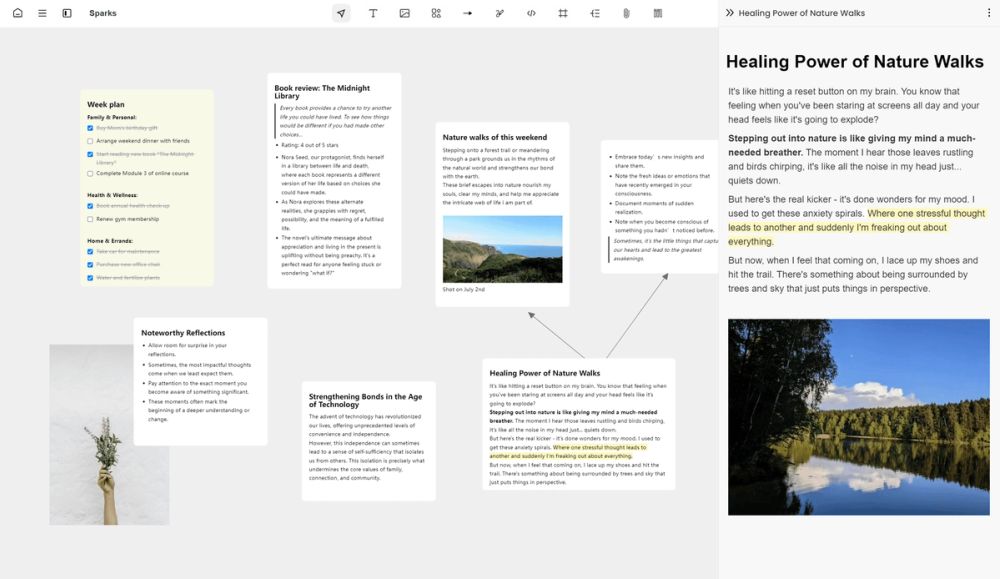
Noteey is a visual note-taking tool that helps you think, create, and publish on a canvas. It's designed for organizing, connecting, and sharing ideas visually.
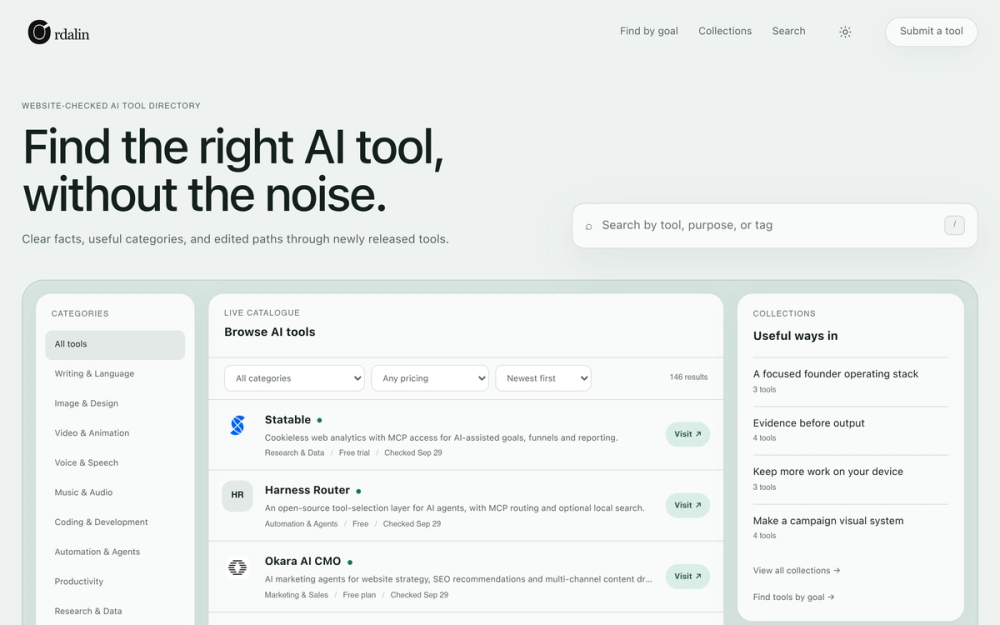
A website-checked AI tools directory that helps you browse broadly or find three tools that fit a specific goal.
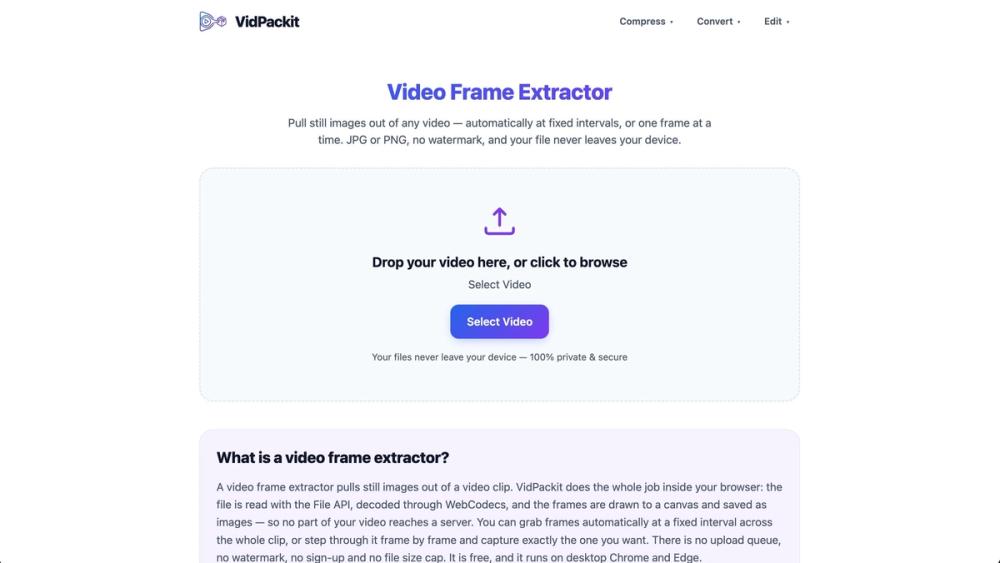
VidPackit is a free, 100% client-side online video compressor and converter. Shrink MP4, WebM, MOV, and MKV files directly in your browser without uploading them to any server, keeping your data completely private and secure.
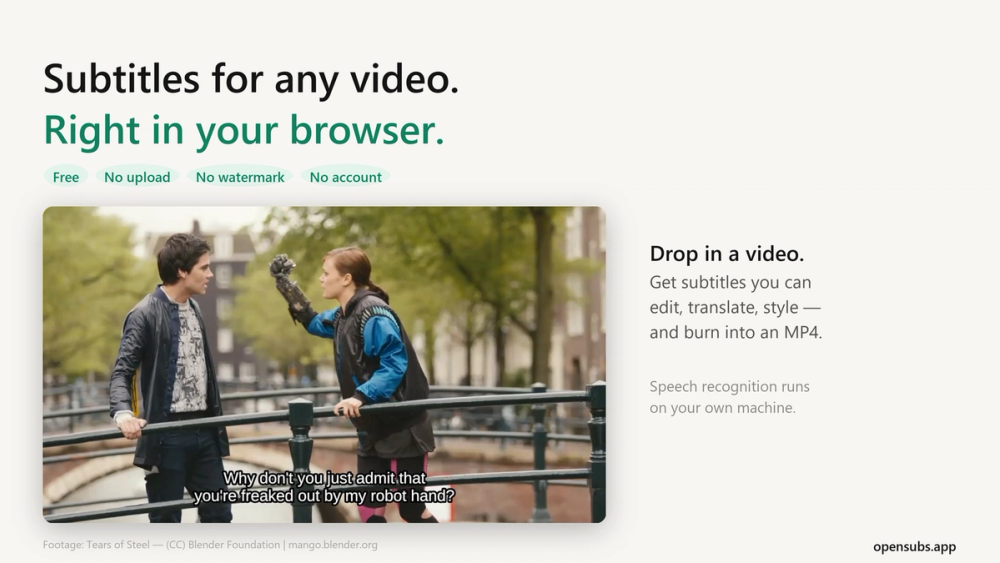
Generate, translate, style and burn subtitles into video, right in your browser. The video never leaves your machine. Free, no account, open source.
Noteey is an all-in-one workspace designed for visual thinkers. It allows you to organize, connect, and share your ideas through a powerful visual note-taking system. With offline capabilities, it ensures your data is secure and accessible.
Q: Is Noteey available offline? A: Yes, Noteey is designed to work offline, storing data on your device.
Q: Can I share my Noteey projects with others? A: Yes, you can save a local copy of your project and share it with others.
Q: What types of files can I annotate in Noteey? A: You can annotate PDFs, videos, and audio files.
Q: Does Noteey support mind mapping? A: Yes, Noteey supports mind mapping within its infinite canvas.
Q: Is there a feature for taking notes on videos? A: Yes, Noteey has a video note-taker feature that allows you to take time-stamped notes.
Q: How does Noteey integrate with other apps? A: Every card and block in Noteey has a unique link, enabling integration with other apps through deep linking.