Newsletter
Join the Community
Subscribe to our newsletter for the latest news and updates

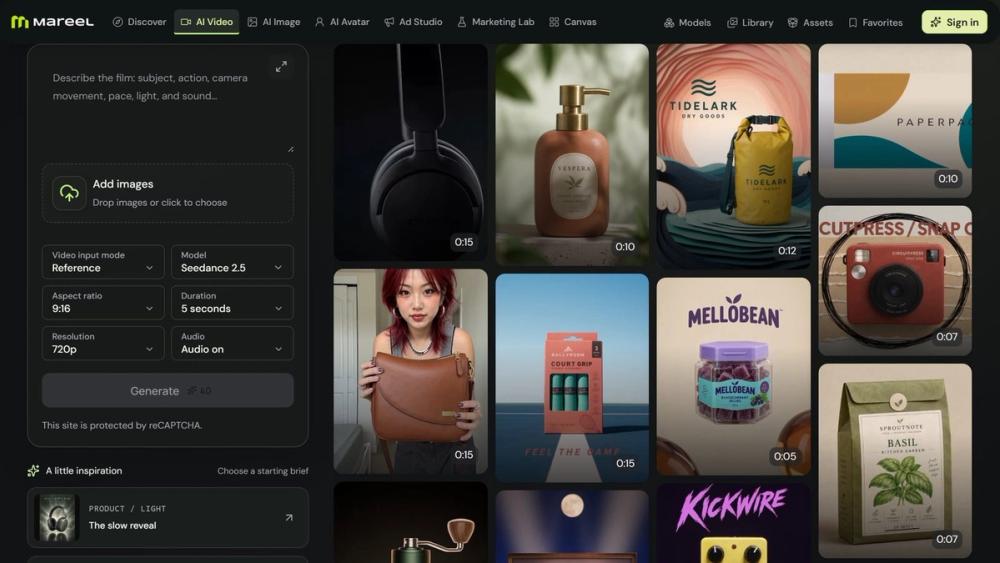
Mareel is an all-in-one AI video and image platform that brings 40+ leading AI models into one workspace. Turn text or images into videos, create and edit images, and produce ad creatives, product photos, and talking avatars without switching tools. Compare models on the same idea, pay from one credit balance, and keep every result in one library. Built for marketers, ecommerce teams, creators, and agencies.
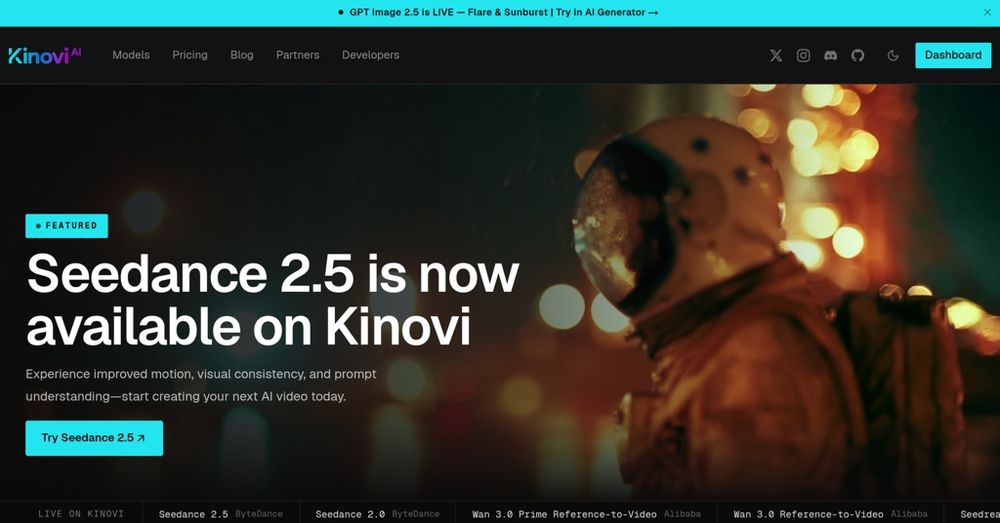
Kinovi offers a unified API for video, image, and audio models, enabling users to create and edit media with pay-as-you-go pricing and clear documentation.
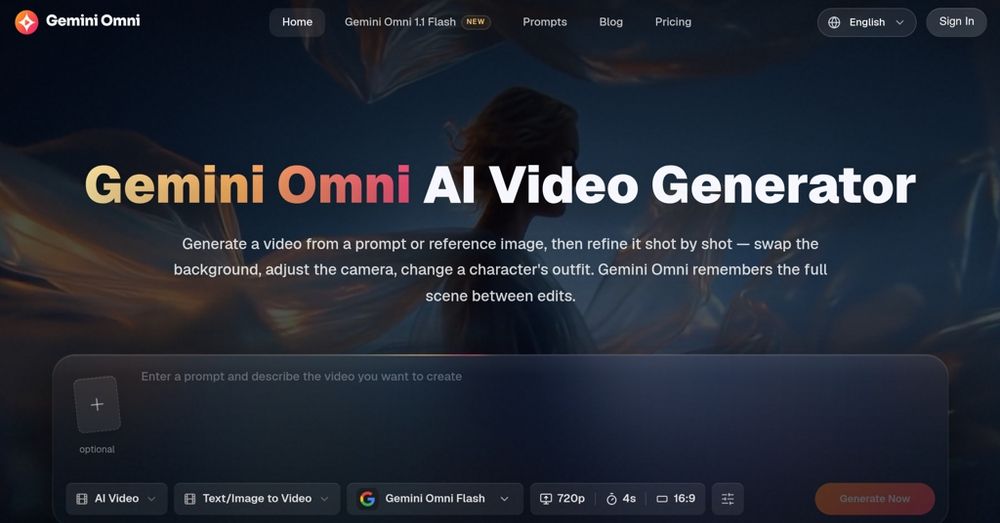
Create and edit AI videos online with Gemini Omni for free, featuring consistent characters and synchronized audio for seamless editing.
Mareel is an all-in-one AI video and image generation platform that brings 40+ leading AI models into one workspace. Instead of opening a new account every time a new model launches, you write one brief, pick the model that fits the shot, and get a finished video or image back.
New video and image models ship every few weeks, and each one is strong at something different. One handles realistic human motion, another renders accurate text inside images, another generates native dialogue and sound. Keeping up usually means juggling subscriptions, credit systems, and file folders across a dozen sites. Mareel exists so that keeping up with them is not a project of its own: one account, one credit balance, and one place where everything you make ends up.
What you can do with Mareel:
Generate AI videos from text, from a single image, from first and last frames, or from multiple reference images, depending on the model Create and edit images, with style templates and support for multiple reference images on supported models Produce ad creatives in Ad Studio: UGC-style ads, remakes of proven ad structures around your own product, product-link-to-video ads, product presenter videos, and complete product photo sets Make talking-photo videos, swap the lead character in a video, transfer motion from one clip to a character, and generate voiceovers Plan a short film on Canvas: break a story into shots, generate every frame and clip, and assemble the cut Start from Marketing Lab templates: pick a proven recipe, drop in your product image, and generate Keep reusable product and character libraries so your product and cast look the same in every output
Every submission is checked against the selected model before it is accepted. Reference-image counts, generation mode, resolution, duration, and prompt length all have to be supported, so a mismatch is refused instead of charged. Credits are reserved when a job starts and returned in full if it fails, and the credit cost is shown before you generate. Video jobs run on a queue, so closing the tab does not stop them, and every output lands in your Library with its status, settings, and the model that produced it.
Who is Mareel for?
Mareel is built for people with a ship date rather than a research budget. Brand and marketing teams turn a campaign line into something to react to before the agency call. Ecommerce teams give every product a motion asset, not just the ones that made the photoshoot list. Social teams test several hooks against one product cut. Independent creators produce a week of short-form content in an afternoon. Agencies bring finished visual directions to a pitch, and product teams ship a release video the same day the feature ships.
Create your account at mareel.ai, claim your 10 sign-up credits, and make your first AI video or image with the model that fits the shot.
How to use Mareel
Step 1 — Create your account. Sign up at mareel.ai. New accounts receive 10 sign-up credits, and you can browse every studio before you sign in.
Step 2 — Pick a studio and a model. Choose AI Video, AI Image, AI Avatar, Ad Studio, or Canvas, then select the model that fits your idea. Each model shows the resolutions, durations, aspect ratios, and reference inputs it supports.
Step 3 — Describe what you want. Write a prompt or brief, add reference images, a product, or a character, and set the format. The credit cost appears on the Generate button before you run, and requests a model cannot handle are refused before any credits are spent.
Step 4 — Generate, compare, and download. Your result lands in the Library with its settings and model. Try the same idea on another model, keep the version you like, and download it.
Pricing
Free plan with 10 sign-up credits. Paid plans start at $15/month (Starter, 300 credits per month), with Plus at $49/month (1,200 credits) and Ultra plans for high-volume teams. Annual billing brings Plus down to $39/month. See https://mareel.ai/pricing