Newsletter
Join the Community
Subscribe to our newsletter for the latest news and updates

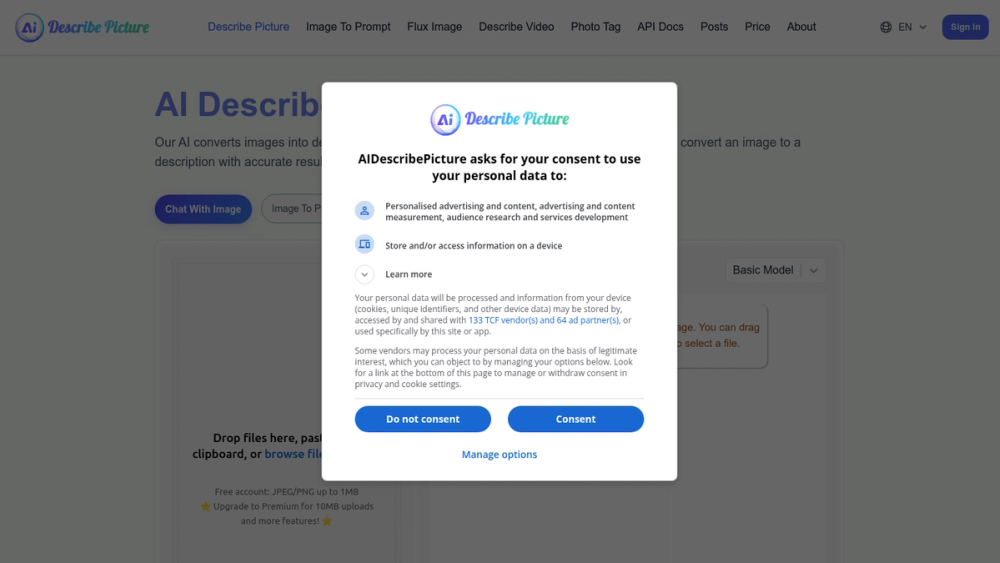
AI-powered tool that converts images into detailed descriptions, extracts text, converts screenshots to code, and transforms images into markdown.
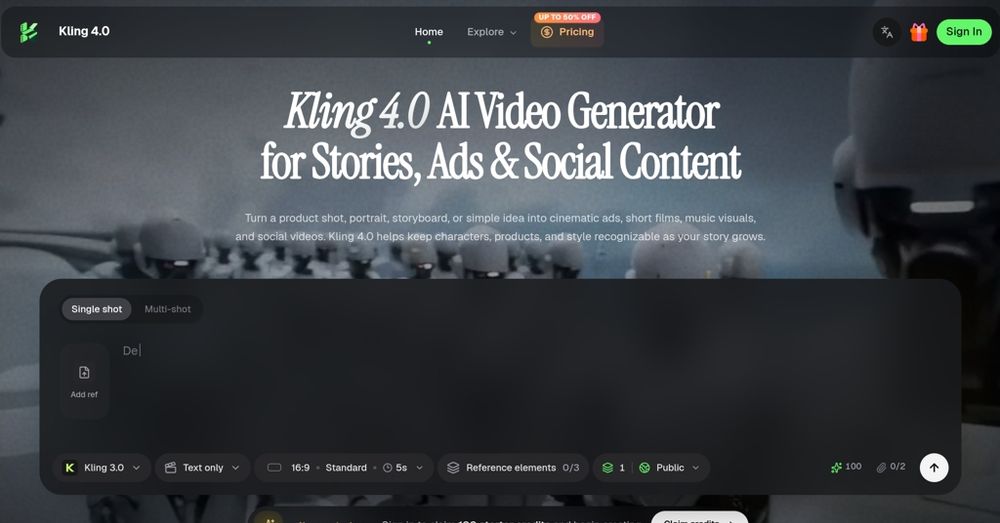
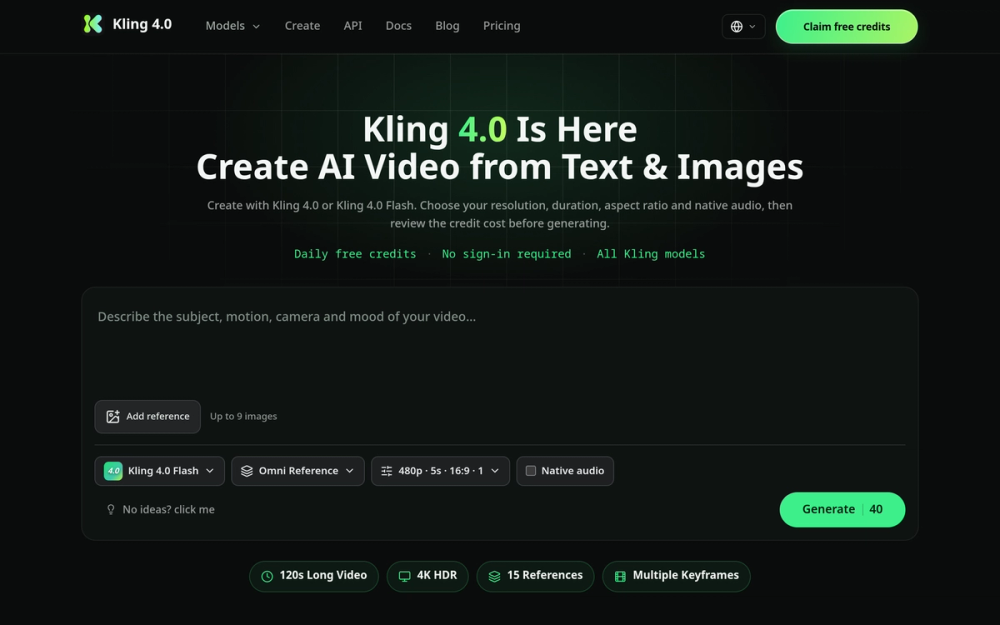
Kling 4.0 is an AI video generator that transforms ideas into cinematic ads, character stories, and social videos, offering a range of creative controls and visual references.
Kling 4.0 is the next-generation AI video model in the Kling AI family, following Kling 3.0’s native 4K output, multi-shot storytelling, and physics-aware motion. It extends single-take generation to 120s narratives, scales references to 80 multimodal inputs, and lifts output to 4K 60fps.
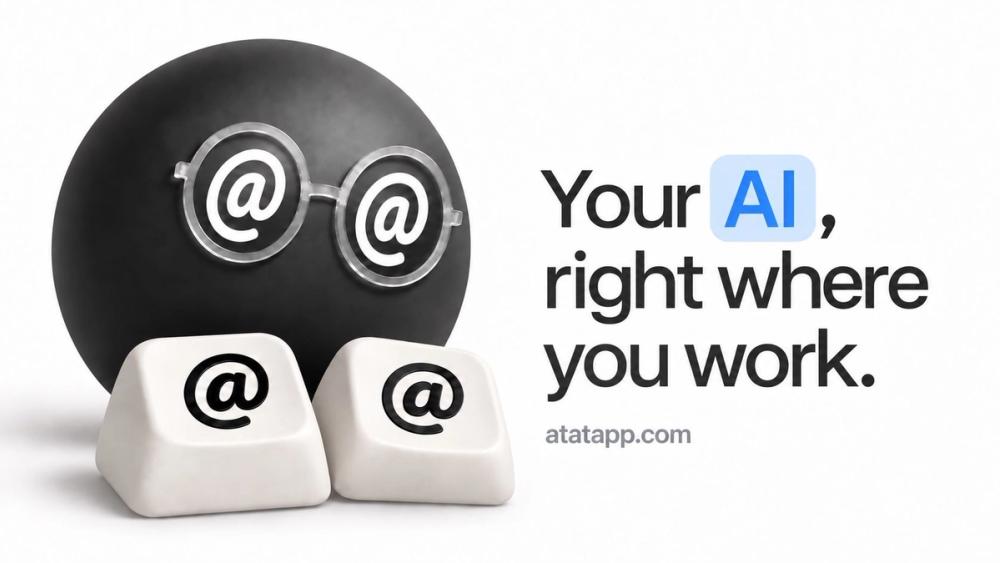
Your agent, in any app. Type @@ to ask Claude Code, Codex, or your own model in any text field, and let your agent see your Mac.
Describe Picture is an AI-powered platform designed to provide detailed, contextual descriptions of images. It leverages advanced AI models to analyze and interpret visual content, offering features like image content extraction, code generation from screenshots, and markdown conversion.
Q: What types of images can Describe Picture analyze? A: Describe Picture can analyze a wide range of images, including photographs, screenshots, scanned documents, and infographics.
Q: How accurate are the AI-generated descriptions? A: The AI-generated descriptions are highly accurate, leveraging advanced AI models to provide detailed and contextual information.
Q: Can I use Describe Picture for commercial purposes? A: Yes, Describe Picture can be used for both personal and commercial purposes.
Q: Is there a limit to the number of images I can analyze? A: The platform may have usage limits depending on your subscription plan. Please refer to the pricing page for more details.
Q: What output formats are supported? A: Describe Picture supports various output formats, including text descriptions, HTML/CSS/JavaScript code, and markdown.
Q: How secure is my data when using Describe Picture? A: Describe Picture prioritizes data security and employs industry-standard measures to protect user information.