Newsletter
Join the Community
Subscribe to our newsletter for the latest news and updates

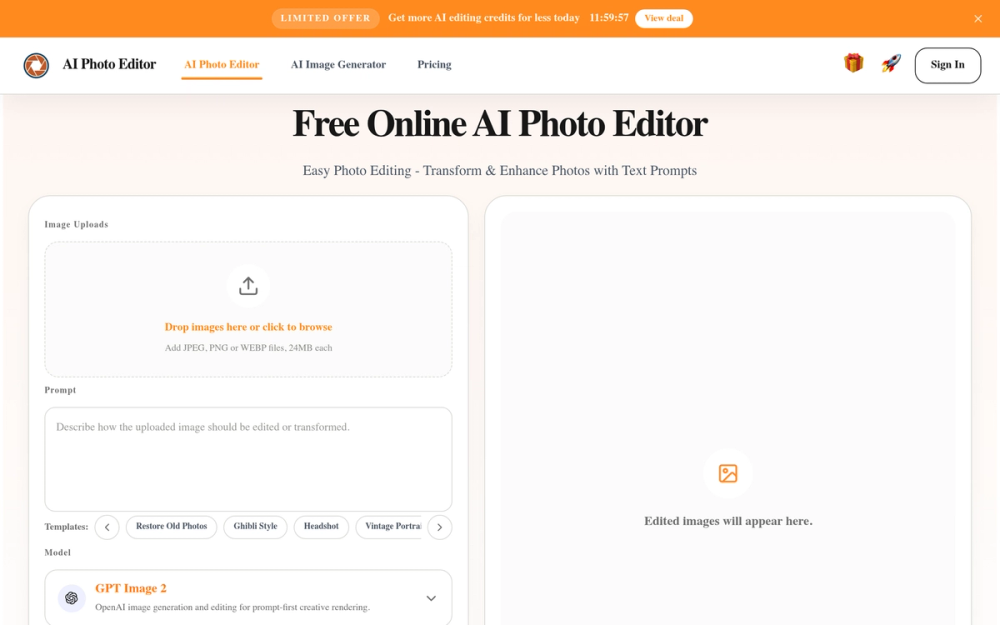
Free AI photo editor online for fast, simple photo edits. Remove, replace, enhance, and restyle images in seconds with an easy AI editor.
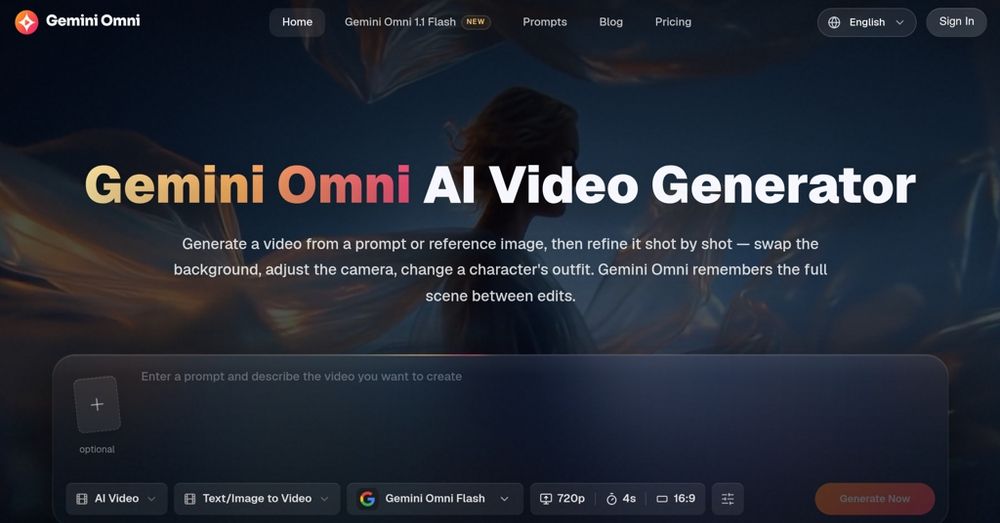
Create and edit AI videos online with Gemini Omni for free, featuring consistent characters and synchronized audio for seamless editing.
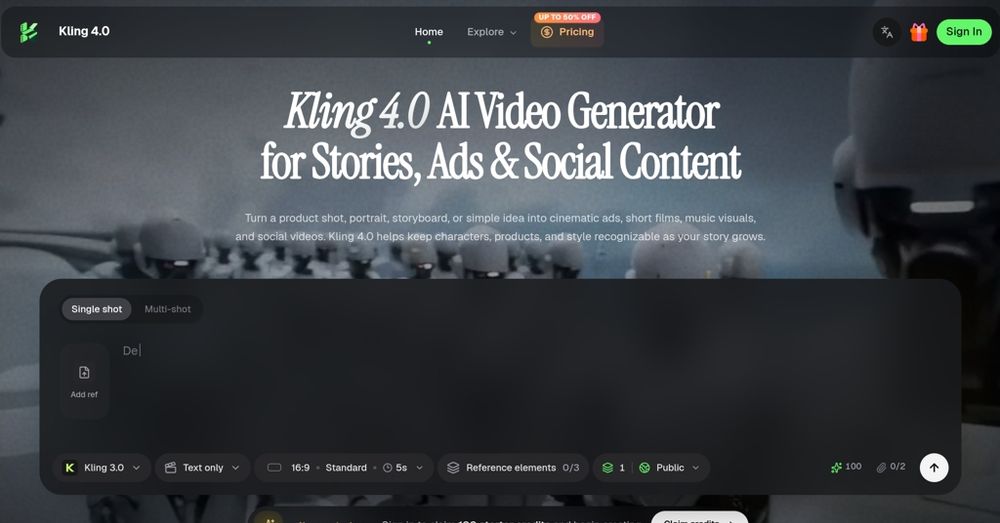
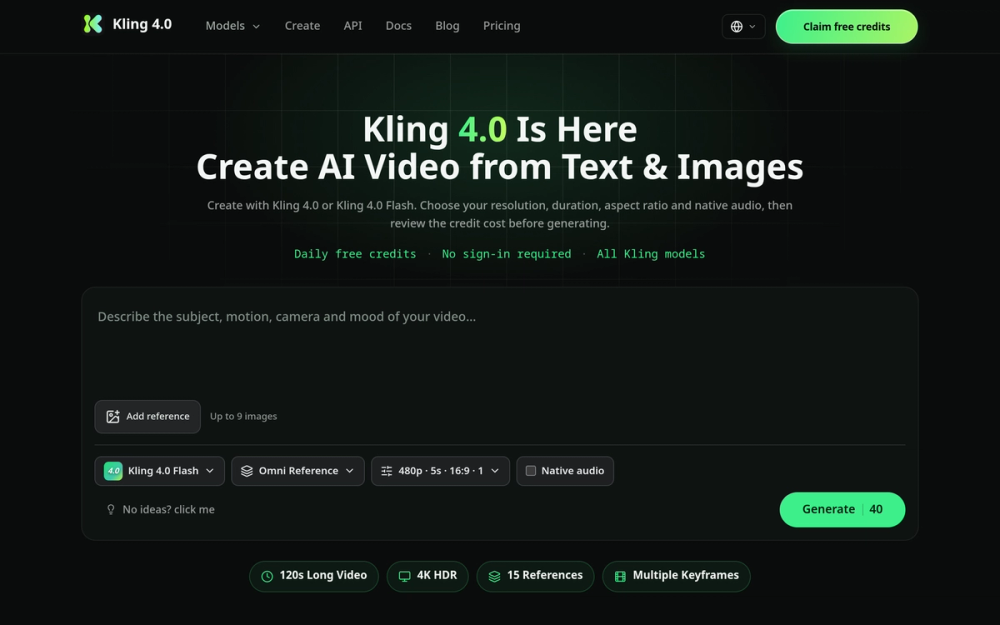
Kling 4.0 is an AI video generator that transforms ideas into cinematic ads, character stories, and social videos, offering a range of creative controls and visual references.
Kling 4.0 is the next-generation AI video model in the Kling AI family, following Kling 3.0’s native 4K output, multi-shot storytelling, and physics-aware motion. It extends single-take generation to 120s narratives, scales references to 80 multimodal inputs, and lifts output to 4K 60fps.
AI Photo Editor is a free online tool that allows users to quickly and easily edit photos using AI. It provides a range of features for removing, replacing, enhancing, and restyling images with simple text prompts.
Do I need an account to use the AI photo editor? Yes, you need to sign in using your Google account.
Is this AI photo editor free to use? Yes, you can claim 20 free credits every 24 hours. Additional credits can be purchased.
How does this AI photo editor work? Upload an image, enter a prompt, and click the Generate button.
Which file formats does this AI photo editor support? It supports JPG, PNG, and WebP formats.
Can I use edited images for commercial work? Yes, images can be used for commercial purposes.
Can AI image editor change photos from a text prompt? Yes, prompt-based editing is a core feature.